BlackFrame
Screenshots without the clutter.
BlackFrame is a minimal screenshot extension that captures what you see — or the whole page — and saves it locally. It scrolls, stitches, and exports a PNG without uploading anything to a server.
Built with
Features
What it does
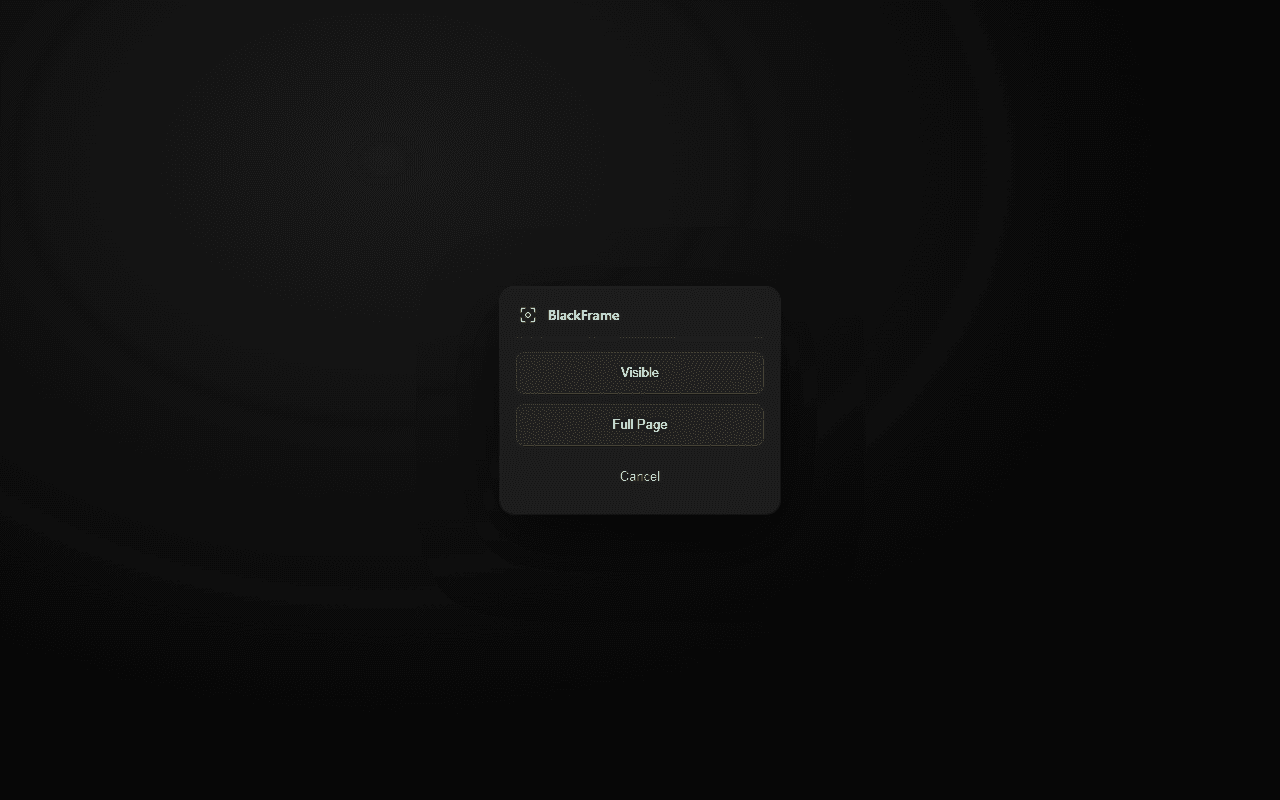
Visible or full page
Capture the current viewport or a scroll-stitched full-page screenshot.
Local save
PNG downloads straight to your device through the browser.
Lazy-load friendly
Triggers lazy content before stitching so nothing is missing.
Clean output
Hides fixed overlays after the first viewport to avoid repeated headers.
Gallery
In action
Permissions
Why it needs access
Every permission is used locally in your browser. Nothing is uploaded or tracked.
to access the current tab when you capture a screenshot.
to inject the scroll-stitch capture script into the page.
to save the captured image to your local Downloads folder.
to run the capture script on any website you choose.
Privacy first
No accounts. No tracking. No cloud.
BlackFrame does everything inside your browser. Your data never leaves your device.
Install BlackFrame from Chrome Web Store →