BlackDrop
Pick any color on the web.
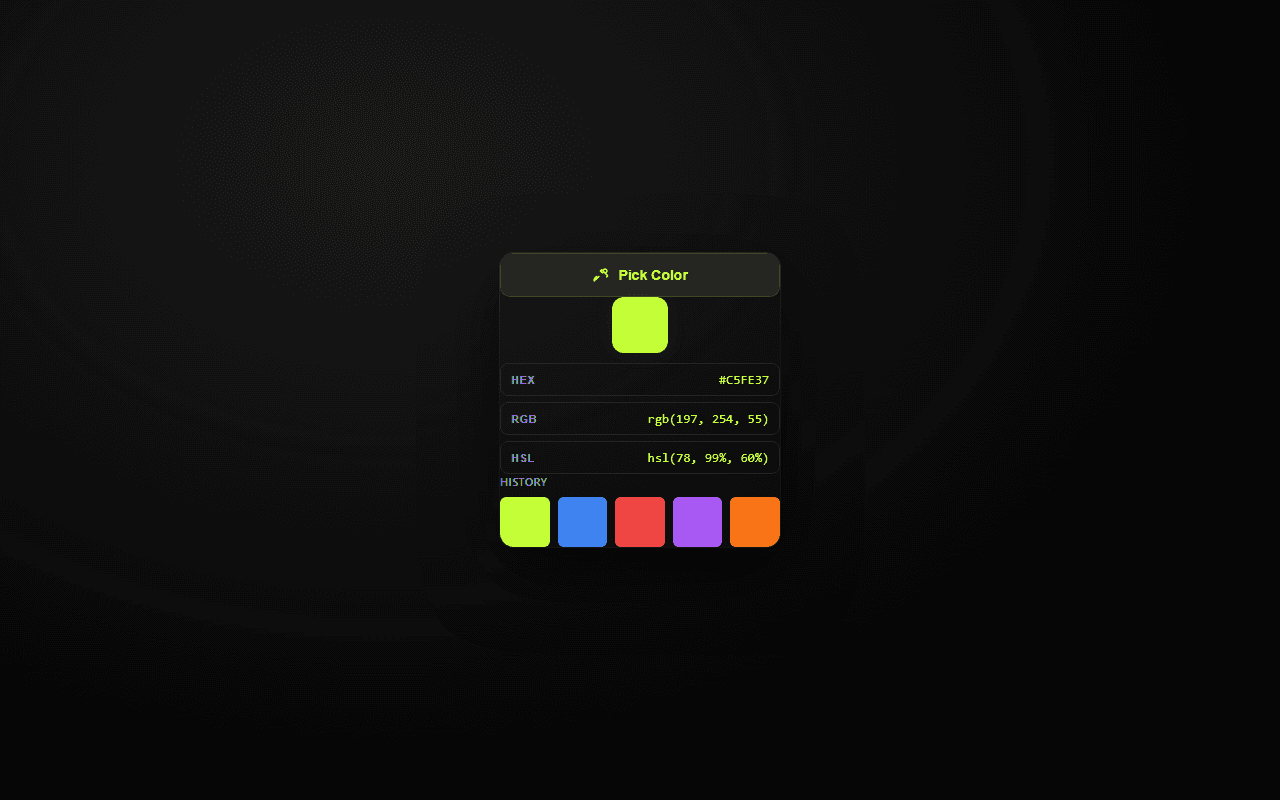
BlackDrop is a lightweight browser extension for designers and developers who need a color fast. Open the picker, hover anywhere on the page, and click to copy the HEX value to your clipboard. No account, no cloud, no noise.
Built with
Features
What it does
One-click color pick
Grab the HEX value of any pixel on the active page in a single click.
Built-in magnifier
Zoom in with an adjustable loupe so you hit the exact pixel.
Local history
Your last ten colors are saved locally in the browser for quick reuse.
Clipboard first
The picked color is copied instantly — no extra steps.
Gallery
In action
Permissions
Why it needs access
Every permission is used locally in your browser. Nothing is uploaded or tracked.
to access the current tab when you open the picker.
to inject the picker overlay into the page you are viewing.
to save your recent color history locally.
to copy the selected HEX color to your clipboard.
to run the picker on any website you choose.
Privacy first
No accounts. No tracking. No cloud.
BlackDrop does everything inside your browser. Your data never leaves your device.
Install BlackDrop from Chrome Web Store →